

Introduction
If you manage a commercial property, you’ve probably felt this pain already: the HVAC bill keeps climbing no matter how many times you tweak the thermostat. That’s usually where HVAC automation for commercial buildings comes in, and it’s quickly moving from “nice extra” to “just how things are done” across offices, hospitals, warehouses, and retail spaces.
Here’s the number that explains why. HVAC is the single biggest energy draw in most commercial buildings, eating up somewhere between 40 and 50% of total energy use, according to the U.S. Energy Information Administration. Think about that for a second — nearly half your energy spend is tied to one system.
So what does automation actually do? In plain terms, HVAC automation for commercial buildings connects sensors, controllers, and software so equipment runs only when it’s genuinely needed. No one has to remember to turn the heat down in an empty conference room at 2 a.m. The system just notices no one’s there and adjusts on its own.
In this guide, we’ll walk through how it works, what it tends to cost, what you can expect to save, and how to plan a rollout without turning your building into a science experiment. We’ll also cover the tech behind it, the mistakes people make, and the questions facility managers ask us most often.
One thing worth saying upfront: whether you’re running a single building or a whole portfolio, the basics don’t really change. Smart, data-driven control beats manual guesswork almost every time — and the savings aren’t just a sales pitch, they show up in the utility bill.
What Is HVAC Automation For Commercial Buildings?
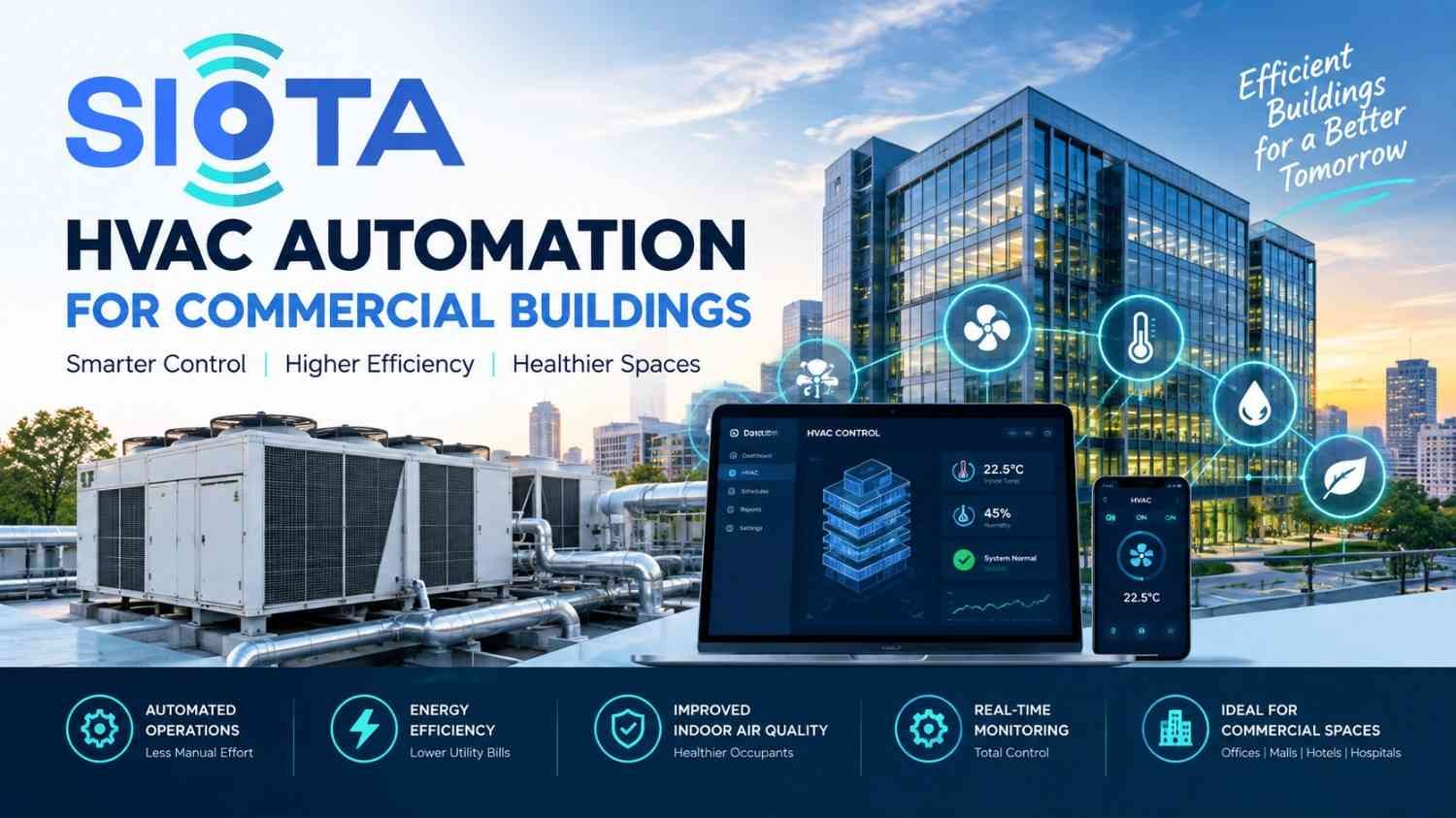
At its core, HVAC automation for commercial buildings is a network of sensors, thermostats, and controllers that handle heating, cooling, and ventilation without someone standing over a control panel all day.
Instead of a technician wandering the building adjusting setpoints by feel, the system pulls in real-time data and makes the call itself — based on who’s actually in the space, what the weather’s doing, and what time it is.
The Core Components
Strip it down, and a typical setup has a handful of moving parts working together:
- Sensors that track temperature, humidity, CO2 levels, and occupancy
- Controllers that turn sensor readings into actual equipment commands
- A central platform, usually called a Building Automation System (BAS), that ties it all together
- Variable frequency drives (VFDs) that let fans and pumps run at partial speed instead of full blast all day
How It’s Different From the Old Way
Traditional HVAC leans on fixed schedules and manual overrides. Someone sets a thermostat in the morning and hopes it’s still the right call by 4 p.m.
Automated systems don’t work that way. They’re constantly reading the room — literally — and adjusting before small issues turn into wasted energy or a comfort complaint.
Why Commercial Buildings Are Adopting HVAC Automation Now
Three things are pushing this shift at once: rising energy costs, tighter rules, and technology that finally works the way it’s supposed to.
Energy Costs Keep Climbing
Commercial electricity rates haven’t slowed down through 2026, and that’s squeezing margins for landlords and tenants alike. When facility teams go looking for waste to cut, HVAC is almost always the first place they look — because it’s the biggest number on the bill.
Regulations Are Getting Stricter
Building performance codes and carbon-reduction laws are tightening across major markets at the same time. Codes in the US, UK, and Australia are compressing upgrade timelines, and carbon-penalty laws in cities like New York are pushing efficiency planning right to the top of the budget conversation. Automation happens to be the easiest way to generate the data trail regulators want to see.
The Tech Actually Works Now
Sensors and controllers are cheaper and more dependable than they were even five years back. Cloud dashboards make it realistic to keep an eye on dozens of buildings from one screen — something that just wasn’t practical before.
Key Benefits of HVAC Automation For Commercial Buildings
Strip away the marketing language, and it comes down to four things: lower bills, better comfort, equipment that lasts longer, and compliance reporting that doesn’t eat your afternoon.
Lower Energy Bills
This is the one everyone cares about, and the research backs it up. Peer-reviewed studies on occupancy-based HVAC control found weekly energy savings landing between 17% and 24%, while occupant satisfaction stayed above 80%. Separate research on demand-controlled ventilation using CO2 sensors showed savings anywhere from 9% to 33%, depending on building type and climate.
Real buildings back this up too, not just lab conditions. One documented commercial retrofit delivered a 21.52% cut in HVAC energy use — over $17,000 saved — without swapping out a single piece of equipment.
Better Comfort for Occupants
Automated systems respond to what’s actually happening in each zone, not a guess made hours earlier. That usually means fewer “it’s freezing in here” emails and more consistent air quality throughout the day.
Equipment That Lasts Longer
Motors and compressors that only run when needed simply wear out slower. Predictive maintenance alerts catch small problems, too, before they turn into a five-figure repair bill.
Compliance That Doesn’t Take All Day
Automated platforms log energy use, temperature, and runtime automatically in the background. That’s exactly the kind of data auditors and regulators ask for — and now you don’t have to dig for it.
Core Technologies Behind HVAC Automation For Commercial Buildings
Modern systems aren’t one single piece of tech — they’re a combination. Knowing what each piece does helps you figure out what actually fits your building.
Building Automation Systems (BAS)
Think of a BAS as the control center. It pulls data from every connected device and issues commands based on rules, schedules, and whatever’s happening right now.
Demand-Controlled Ventilation (DCV)
DCV uses CO2 sensors to gauge how many people are actually in a room, then adjusts airflow to match — instead of running the same fixed rate whether the room’s full or empty.
Variable Frequency Drives (VFDs)
VFDs let fans and pumps run at partial speed rather than flat-out all the time. Because energy use drops fast as motor speed comes down, this is often the quickest payback of any upgrade on this list.
AI-Based Fault Detection
AI platforms watch sensor data around the clock and flag equipment that’s running inefficiently, short-cycling, or drifting outside its normal range — frequently before a technician would even notice.
Comparing the Options
| Technology | Typical Savings | Best For |
|---|---|---|
| Demand-controlled ventilation | 9%–33% | Variable-occupancy spaces (offices, retail) |
| Occupancy-based zone control | 17%–24% | Multi-zone buildings with irregular schedules |
| VFDs on fans and pumps | Varies by load profile | Buildings with constant-speed motors |
| AI fault detection | Adds to base savings | Portfolios with multiple properties |
Most of the successful rollouts we’ve seen combine two or three of these rather than betting everything on one.
How to Plan an HVAC Automation Rollout
A rollout that actually works tends to follow the same order: audit first, hit the highest-impact zones, then expand.
Step 1: Audit Current Energy Use
Before you buy anything, find out where energy is actually being wasted. Sometimes a BAS reveals equipment running at the wrong time — no new hardware required to fix that.
Step 2: Start With High-Traffic or High-Waste Zones
Not every zone deserves the same level of automation. Conference rooms, lobbies, and after-hours areas usually pay back the fastest, so start there.
Step 3: Choose Open Protocols
Look for systems built on open standards like BACnet or Modbus. It keeps you from getting locked into one vendor, and it makes upgrading down the road a lot less painful.
Step 4: Train Facility Staff
Automation cuts down on manual work, but your team still needs to understand the dashboards, alerts, and how to override something when needed. A system nobody trusts gets switched off — and then you’ve lost the savings entirely.
Step 5: Set a Measurement Baseline
Before you flip the switch, record 30 to 60 days of baseline energy data. It’s the only real way to prove the savings once HVAC automation for commercial buildings is actually live.
Step 6: Review and Adjust Quarterly
This isn’t a “set it and forget it” upgrade. Occupancy shifts, seasons change, equipment ages. Owners who check in on performance every quarter tend to catch drift early and keep the savings from slipping.
Common Mistakes to Avoid
Even a well-planned project can underdeliver if a few common traps aren’t handled early.
Skipping the Baseline Audit
Without a starting point, you can’t actually measure what you saved later. Always benchmark before installation — it’s tempting to skip, and it’s a mistake every time.
Trying to Automate Everything at Once
Rolling automation out across an entire portfolio in one shot makes troubleshooting a nightmare. Go building by building, or zone by zone, and catch issues before they multiply.
Leaving Staff Out of the Loop
If your facility team doesn’t trust the system, they’ll just turn it off. Bring them in early, explain what’s changing and why, and you’ll avoid a lot of friction later.
Locking Into a Closed, Proprietary System
A single vendor’s walled garden can limit what you’re able to do later and quietly drive up long-term costs. Open-protocol systems tend to age much better.
Forgetting About Indoor Air Quality
Automation that’s laser-focused on temperature alone can neglect ventilation and air quality. Good HVAC automation for commercial buildings balances energy savings with air that’s actually healthy to breathe — not just a lower bill.
What a Well-Planned Rollout Actually Looks Like
Picture a mid-sized office building. It starts small — occupancy sensors in conference rooms and after-hours zones. A few months in, the facility team compares the new bills against the baseline, confirms the savings are real, and expands from there. That phased, data-backed approach is what separates HVAC automation for commercial buildings that sticks from pilot projects that quietly get shelved.
Conclusion: Start Your HVAC Automation Project Today
HVAC automation for commercial buildings isn’t a theoretical upgrade anymore — it delivers results you can actually see on a utility bill. Lower energy costs. Fewer comfort complaints. Equipment that lasts. Compliance reporting that doesn’t take all afternoon.
The technology has caught up, the regulatory pressure is real, and payback periods often land under two years for targeted retrofits. That’s a fairly easy case to make to any finance team.
The best time to start is before your next budget cycle closes, not after it. Begin with an energy audit, focus on your highest-waste zones first, and pick a platform that’s open enough to grow with you.
Ready to see what automation could save your building? Contact the SIOTA team for a free HVAC automation assessment and find out exactly where your building is wasting energy.
Frequently Asked Questions
What is HVAC automation for commercial buildings? It’s a network of connected sensors, controllers, and software that manages heating, cooling, and ventilation automatically — based on occupancy, weather, and real-time conditions, instead of a fixed manual schedule.
How much can HVAC automation save on energy costs? Documented case studies and field research put savings somewhere between 9% and 33%, depending on building type, climate, and which controls you add. A lot of retrofit projects report double-digit reductions within the first year.
Is HVAC automation expensive to install? It depends on your building’s size and what infrastructure you already have. Many facility managers start with software-only upgrades to an existing BAS before spending on new hardware, which keeps the upfront cost down.
Do older buildings need new HVAC equipment to automate? Not necessarily. A lot of automation upgrades work alongside existing equipment — adding sensors, controllers, and VFDs rather than ripping out the whole system.
What’s the difference between a smart thermostat and full HVAC automation? A smart thermostat handles one zone. Full HVAC automation for commercial buildings coordinates an entire property — multiple zones, different equipment types, and various data sources, all through one central platform.
How long until I see a return on investment? Most targeted retrofits — think occupancy sensors or demand-controlled ventilation — pay back within one to two years, depending on building size and how much energy was being wasted beforehand.
